

Tonight I’m working on Lab 2 from the book 101 Cisco CCNA Labs by Paul Browning and Farai Tafa.
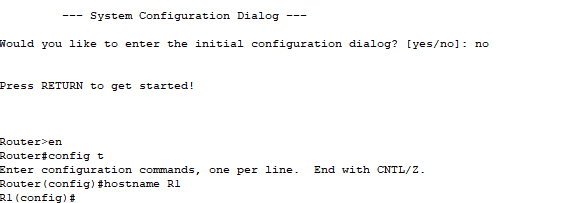
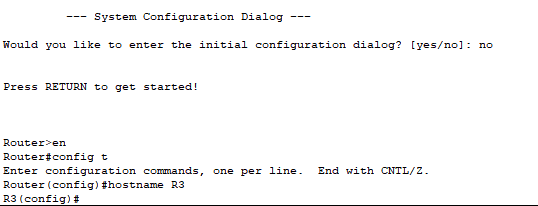
My first step in Task 1 of the Lab is to add the Routers to my Packet Tracer Lab. I will choose to 2911 Routers and add a Serial Port to each. After turning on the router I will configure the hostnames, R1 and R3.
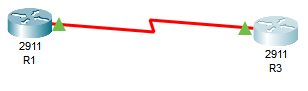
Next I made a Serial DCE connection between the two routers using interface Serial 0/3/0 on each router.

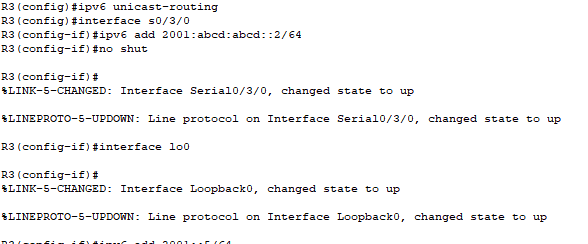
In Task 2 I will set IP addresses on the Serial Interface of each Router, and set the loopback addresses as well. Don’t forget to add the no shut command to bring up the interface. This is not necessary for the loopback.
As you can see, I now have green triangles on each end of the serial connection indicating that the interface is up. I will verify this with the show ipv6 int brief command.
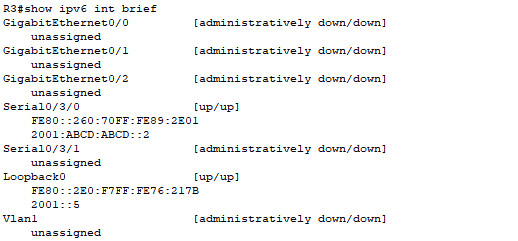
You can see that the interface Serial 0/3/0 is showing as up. The show ipv6 interface command shows more detailed information about the interface.

 Patrick Wilson Tech Blog
Leave a comment